How to use Azure OpenAI API

You can use Azure OpenAI on YNO AI by adding a Custom Model as follows:
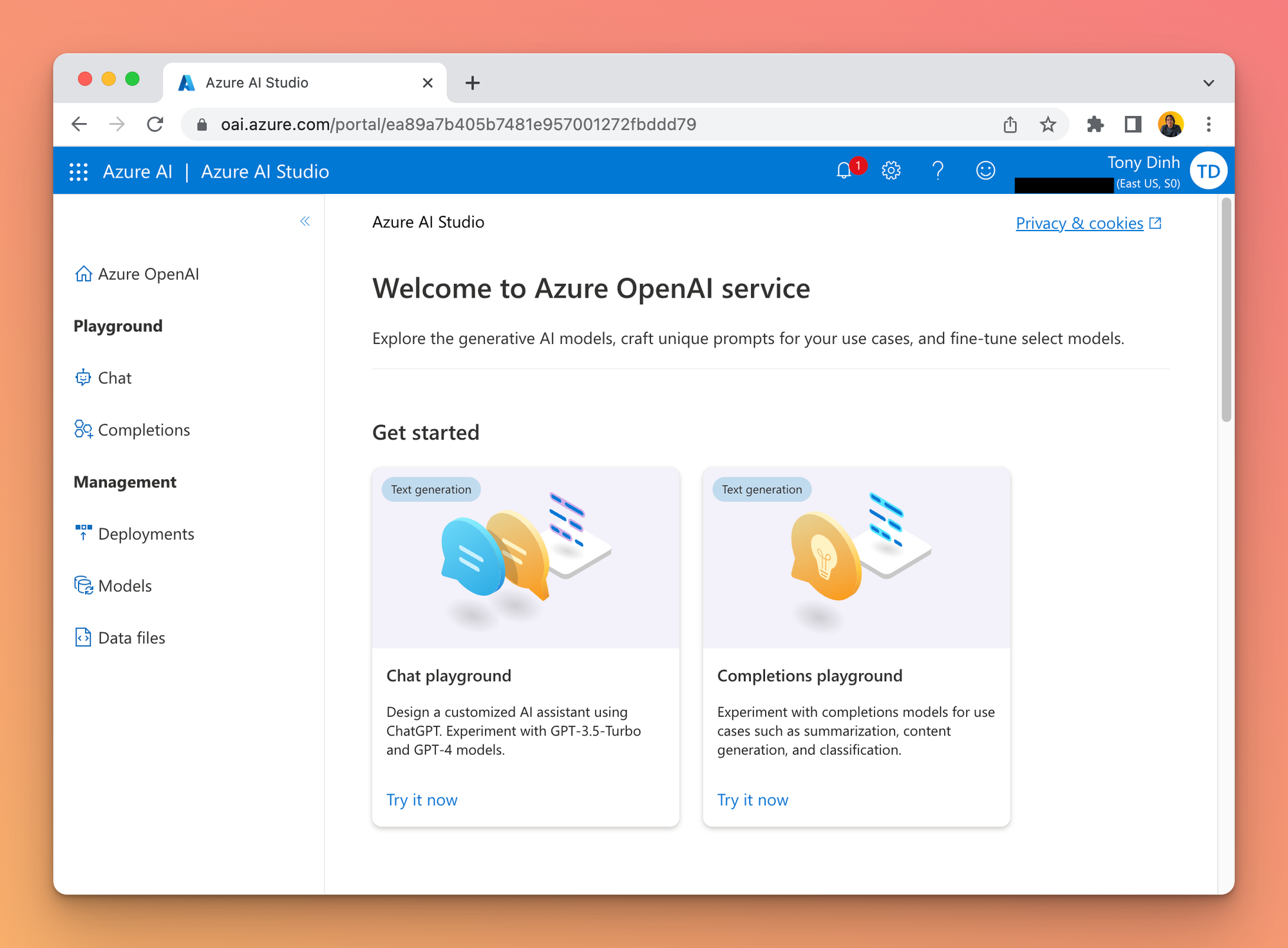
Get an Azure OpenAI account
If you haven't already, you must register for an Azure OpenAI Account. You can create one here:
Get a Deployment, Endpoint, and API Key
Go to "Deployments" and create a new deployment with a model of your choice.

Go to the "Chat" playground and click "View Code" to get your Endpoint and Key.


Create a custom model on YNO AI
Create a new Custom Model as follows:
- Click Add Custom Model
- Enter any name.
- Enter the exact endpoint (including the ?apiVersion part).
Important: there are many types of endpoint on Azure OpenAI. Make sure you use the correct one that contains "/chats/completions".
- Enter the Model ID and context length
- Add a custom header row, then enter
api-keyand the API key in the value textbox.

- Click "Test" and verify that the endpoint is working.
- Click "Add Model".
Chat with Azure OpenAI
You can now select the Azure OpenAI model and chat with it.